
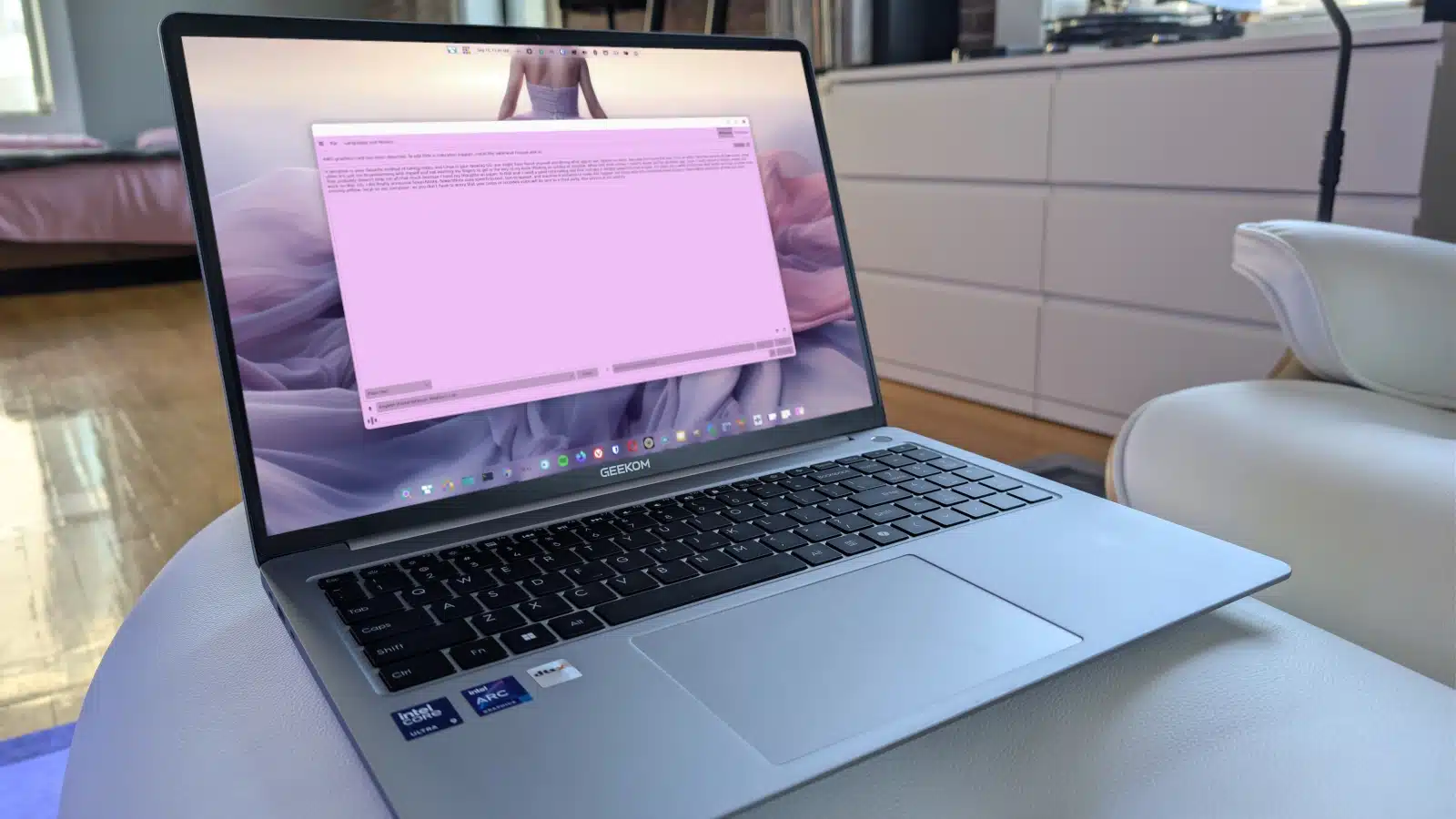
If dictation is your preferred method for taking notes and you’re using Linux, then Speech Note should be your go-to app. This speech-to-text tool is not only powerful but also ensures that all processing is done offline, on your device, guaranteeing your privacy.
When I need to get my thoughts down quickly, dictation becomes essential. Recording voice memos isn’t ideal for my needs; I prefer an application that directly formats my spoken words into text. That’s where Speech Note fits into the picture.
Finding a reliable dictation tool for Linux was challenging, but I finally discovered Speech Note. This application supports speech-to-text, text-to-speech, and even machine translation, making it versatile for various users.
To get started, you’ll need to install Speech Note using Flatpak. Run the following command in your terminal:
flatpak install flathub net.mkiol.SpeechNoteMake sure to choose the user installation option rather than the system-wide install, as this is essential for proper functionality.
After installation, open the app, and you’ll see a welcome message prompting you to add your first language. Navigate to Languages and Models at the top right, select your preferred language, and ensure you choose an appropriate model for accuracy. If you’re using an AMD GPU, remember to install the necessary AMD Flatpak app:
flatpak install net.mkiol.SpeechNote.Addon.amdOnce installed, ensure your microphone is properly configured in your system’s sound settings. You can then start using the app by clicking Listen and speaking into the mic. Notes will only populate after you click Stop, allowing Speech Note to process what you’ve said.
I’ve consistently found Speech Note to have outstanding accuracy, more so than other dictation apps I’ve tried on Linux. Whether you’re brainstorming for a project or jotting down ideas for your writing, Speech Note is an invaluable tool for anyone who needs efficient note-taking capabilities.
For further information, check out the official Speech Note GitHub page.
ChicagoVPS is your gateway to unparalleled hosting solutions. Our state-of-the-art datacenters and powerful network ensures lightning-fast speeds and uninterrupted connectivity for your websites and applications. Whether you’re a startup looking for scalable resources or an enterprise in need of enterprise-grade hosting, our range of plans and customizable solutions guarantee a perfect fit. Trust in ChicagoVPS to deliver excellence, combining unmatched reliability and top-tier support.
For Inquiries or to receive a personalized quote, please reach out to us through our contact form here or email us at sales@chicagovps.net.


