
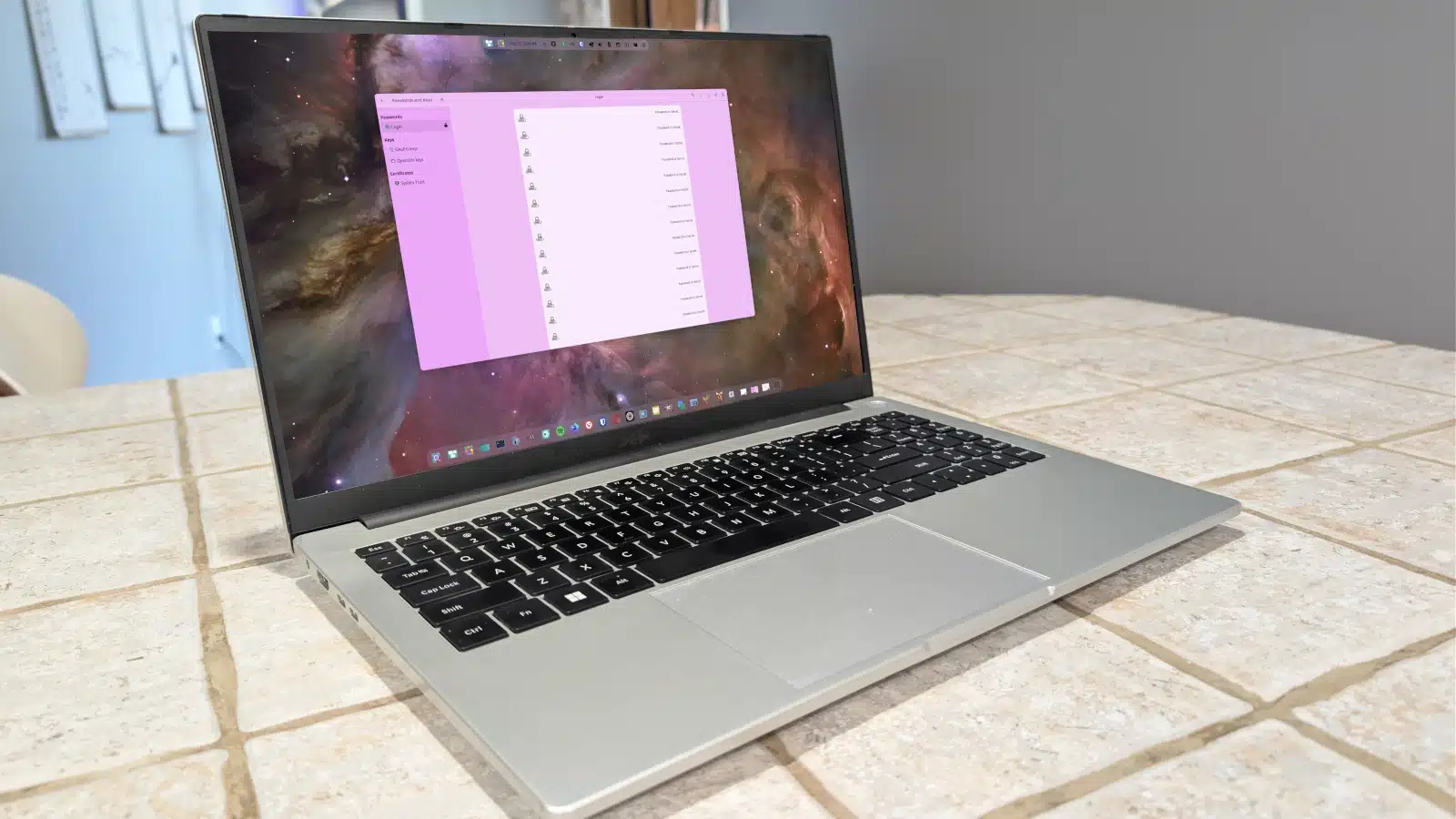
If you value security and aim to keep sensitive data well-protected from unauthorized access, adopting a keyring application on Linux is highly advantageous. Keyrings are integrated tools designed to manage and store various forms of sensitive information, such as application credentials, network secrets, and encryption keys.
Keyring apps like KDE Wallet and Seahorse (for GNOME) serve a significant purpose in the Linux ecosystem. They automatically save credentials, Wi-Fi passwords, and various types of keys in a secure environment. However, while they function effectively for data storage, they lack features like random password generation commonly found in dedicated password managers.
Built-In Integration: Keyring apps are typically installed with the Linux desktop environments. For instance, KDE Wallet comes with KDE Plasma and prompts users to set up a master password. Though Seahorse is not preinstalled, it can be easily added from the standard repositories.
Secure Storage: These apps safeguard crucial information, such as SSH keys and network passwords, essential for the operating system’s viability. They can additionally serve as encrypted vaults for other sensitive credentials, further enhancing their utility.
User Isolation: Data stored within a keyring app is user-specific, meaning that multiple users on the same system cannot access each other’s stored information. This feature provides robust protection against unauthorized access by sandboxing data storage.
Auto Destruction: Keyrings possess a unique automatic disposal mechanism for unlinked keys, ensuring that sensitive information is expunged from memory when no longer needed, which mitigates potential security risks.
Functionality as a Password Manager: Though not primarily designed for it, keyring apps can be utilized in place of traditional password managers. Users can manually input passwords and other credentials, providing a backup option if a third-party password manager is not being used.
For managing credentials with the GNOME Passwords and Keys app, users can easily add new entries by selecting the appropriate keyring and filling out the necessary information. KDE Wallet operates slightly differently; it requires initial setup via command line to create SSH keys before it can be utilized. Users need to ensure that the wallet is secured with a unique password, different from their login credentials, to maintain security.
Linux keyrings are valuable tools that enhance system security by providing essential encrypted storage for sensitive data. By leveraging their built-in capabilities and focusing on secure practices, users can significantly bolster their data protection strategies. If you are not already using one, now is a great time to explore the functionalities offered by keyring applications on your Linux system.
ChicagoVPS is your gateway to unparalleled hosting solutions. Our state-of-the-art datacenters and powerful network ensures lightning-fast speeds and uninterrupted connectivity for your websites and applications. Whether you’re a startup looking for scalable resources or an enterprise in need of enterprise-grade hosting, our range of plans and customizable solutions guarantee a perfect fit. Trust in ChicagoVPS to deliver excellence, combining unmatched reliability and top-tier support.
For Inquiries or to receive a personalized quote, please reach out to us through our contact form here or email us at sales@chicagovps.net.


