
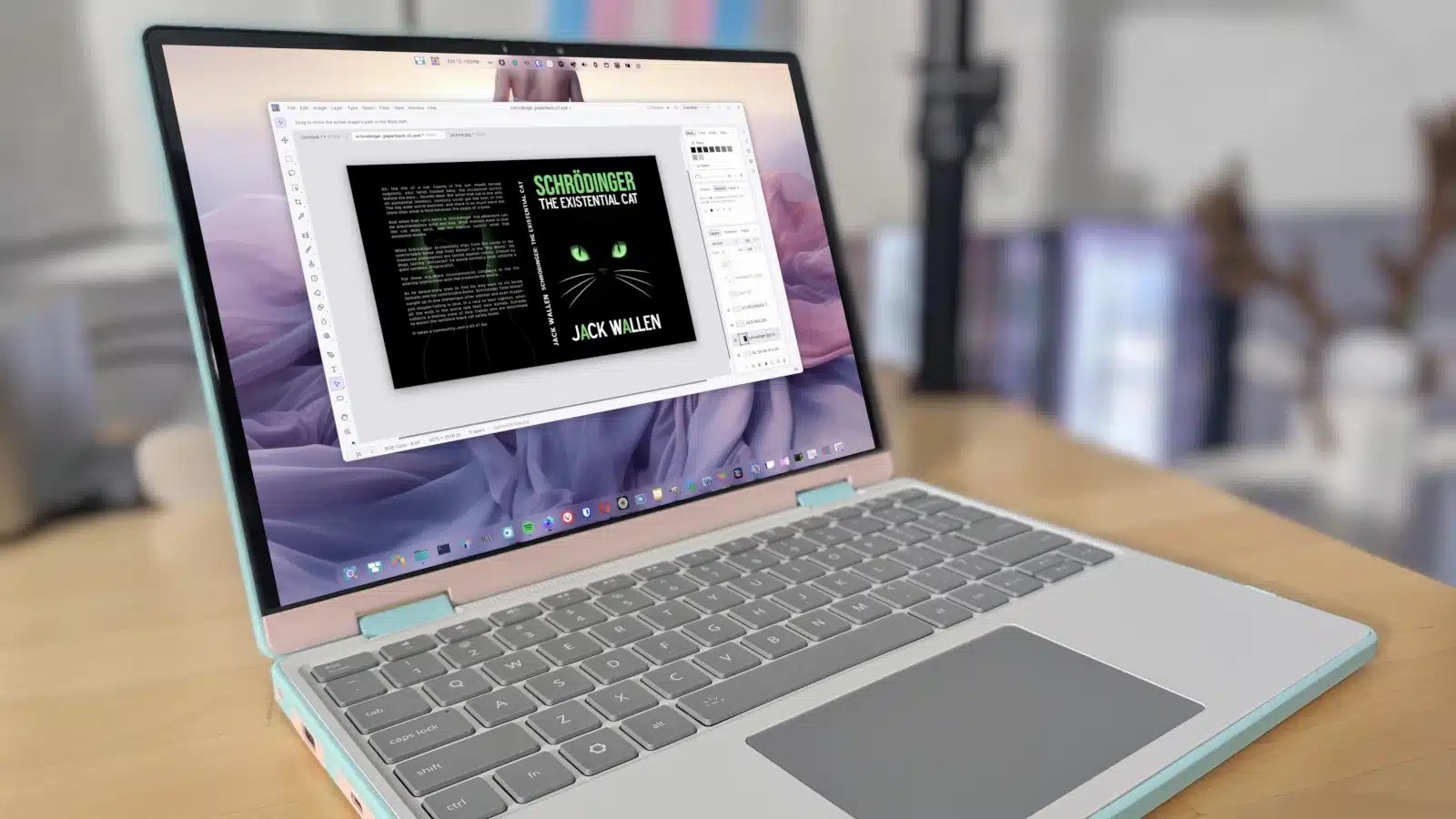
Linux now has a remarkably close Photoshop alternative in PhotoCraft, an early-release app built by the ArtCraft team. The project uses AI to help reverse-engineer Adobe-style applications, and PhotoCraft is available for Linux, macOS, and Windows.
I tried it on Pop!_OS, Fedora, and macOS. The Linux installation was straightforward, with packages available as DEB, RPM, Flatpak, or AppImage. I used the AppImage, which can also be managed with tools such as Gearlever or AppImageUpdate.
PhotoCraft launched almost instantly. Its interface is strikingly similar to Photoshop, from the toolbar and editing workspace to the layers panel. The team also provides an ArtCraft Launcher for installing and opening apps in its suite. PhotoCraft is a native application, not Photoshop running inside a compatibility wrapper.
I opened a design saved as a PSD in both PhotoCraft and Photoshop. The overall experience was close, though some controls are arranged differently. For example, Photoshop displays gradients visually in its Color tab, while PhotoCraft uses adjustment sliders. Actions are also organized differently: PhotoCraft lets users record their own, but doesn’t include Photoshop’s set of ready-made actions.
PhotoCraft handled subject selection particularly well. Using Select > Subject, it quickly selected a person in a photo. Photoshop, unexpectedly, failed to identify the same subject.
The free version does not include AI features. Those are available through subscriptions starting at $8 per month; higher-priced plans offer more monthly credits. The subscriptions add AI access rather than unlocking additional core editing features.
Speed was PhotoCraft’s clearest advantage in my testing. Written in Rust, it opened quickly, and editing tools and exports also felt faster. The software is still in early development, so it isn’t as polished as Photoshop, but its core editing experience impressed me.
For Linux users who have held off switching because Photoshop wasn’t available, PhotoCraft may be a compelling option. You can find installation instructions and project details in the ArtCraft GitHub repository.
ChicagoVPS is your gateway to unparalleled hosting solutions. Our state-of-the-art datacenters and powerful network ensures lightning-fast speeds and uninterrupted connectivity for your websites and applications. Whether you’re a startup looking for scalable resources or an enterprise in need of enterprise-grade hosting, our range of plans and customizable solutions guarantee a perfect fit. Trust in ChicagoVPS to deliver excellence, combining unmatched reliability and top-tier support.
For Inquiries or to receive a personalized quote, please reach out to us through our contact form here or email us at sales@chicagovps.net.


