
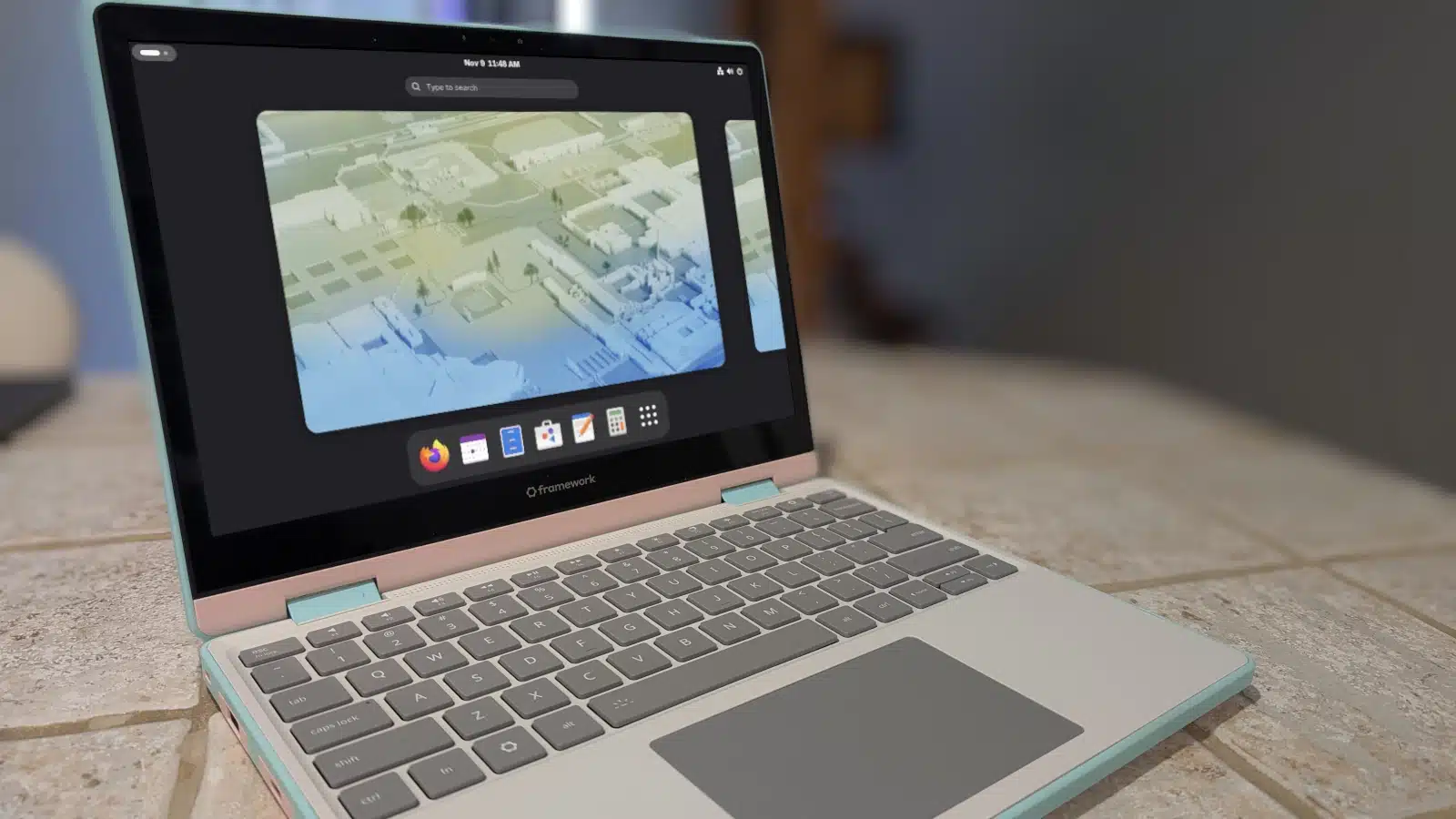
If you’ve spent time with Debian-based Linux distributions and want to try something different without making a dramatic leap, Fedora is a natural next step. The two families have enough in common to make the transition approachable, while Fedora offers a different ecosystem and a more current software base.
Here are seven reasons to give Fedora a try.
Fedora has become much easier to use than it once was. Hardware support is strong, and features such as modern boot support, touchpads, suspend and resume, and Nvidia drivers work without much setup. It also ships with a recent kernel and supports modern display technologies.
Fedora offers dedicated editions, or “spins,” for a wide range of desktop environments. Options include KDE Plasma, Xfce, Cinnamon, MATE, i3, LXQt, Sway, Budgie, and COSMIC.
Instead of installing a desktop environment yourself, you can download the spin that already includes the one you want. Browse Fedora’s available spins.
Debian-based distributions commonly use APT to install and manage software. Fedora uses DNF, and the commands follow a similar pattern:
sudo apt install quillmarkbecomes:
sudo dnf install quillmarkThe same general approach applies to removing software. One difference is that Fedora system updates may require a reboot to take effect, while Debian-based systems generally need one after a kernel update.
Fedora includes Flatpak, a universal package format for installing applications. Ubuntu users may be more familiar with Snap, but both provide a way to install apps beyond the distribution’s standard packages.
A typical Flatpak installation looks like this:
flatpak install quillmarkFlatpak apps are commonly installed for an individual user, which is why the command usually doesn’t need sudo.
Fedora and Ubuntu take different approaches to security. Fedora uses SELinux, while Ubuntu uses AppArmor. Both provide mandatory access controls, and most desktop users won’t need to adjust them.
Fedora also includes a capable firewall management tool. It offers more options than Ubuntu’s firewall interface, though the extra flexibility can mean a steeper learning curve. Most users will only need to make basic changes, such as confirming the firewall is enabled.
Fedora is now a comfortable choice for desktop users, particularly with spins such as KDE Plasma, Cinnamon, or MATE. Its settings tools let you manage most everyday system options without resorting to the command line.
Fedora releases a new version about every six months, with approximately 13 months of support for each release. Debian follows a slower schedule, typically releasing every two years and providing five years of support.
Ubuntu-based distributions also have frequent interim releases, alongside long-term support releases. Fedora’s schedule is faster and simpler, but it means users need to upgrade more often than they would with a long-term-support option.
Moving from a Debian-based distribution to Fedora is relatively straightforward. Both aim to provide a user-friendly desktop, and choosing a Fedora spin with the same desktop environment you already use can make the switch feel familiar. Beyond learning a few differences—especially DNF, Flatpak, and Fedora’s release cadence—the transition should be manageable.
ChicagoVPS is your gateway to unparalleled hosting solutions. Our state-of-the-art datacenters and powerful network ensures lightning-fast speeds and uninterrupted connectivity for your websites and applications. Whether you’re a startup looking for scalable resources or an enterprise in need of enterprise-grade hosting, our range of plans and customizable solutions guarantee a perfect fit. Trust in ChicagoVPS to deliver excellence, combining unmatched reliability and top-tier support.
For Inquiries or to receive a personalized quote, please reach out to us through our contact form here or email us at sales@chicagovps.net.


