
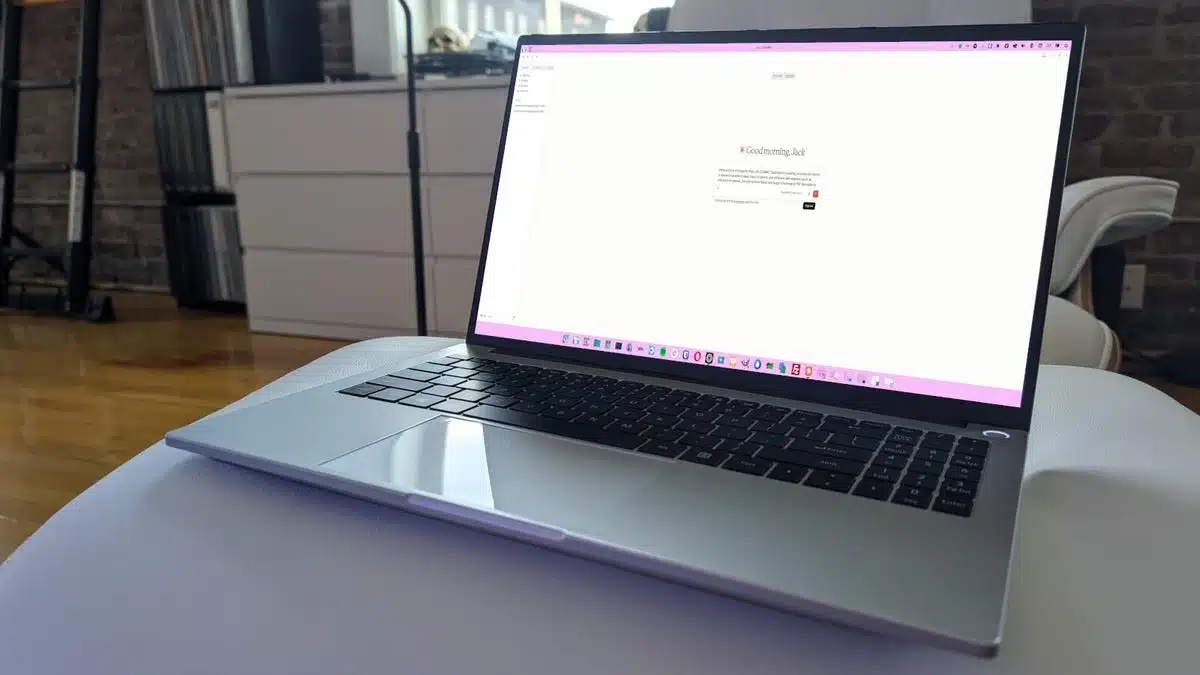
Claude Code has recently launched its first official Linux desktop app, giving Linux users access to its AI capabilities. While Claude Code offers a familiar feature set seen in its MacOS and Windows counterparts, challenges arise when users attempt to connect it to locally installed AI solutions.
As a dedicated Linux user, I often explore apps to keep Linux competitive, and I’ve successfully used alternatives like Alpaca and Moose for local AI tasks. However, my curiosity led me to test Claude Code to see how it stacks up against these existing solutions.
To start, it’s essential to clarify that Claude Code’s Linux version is only available for Debian and Ubuntu-based distributions. Installing it requires adding a necessary repository rather than a simple app store download. This nuance adds a layer of complexity for users eager to get started.
After installation, the application greets users with a well-structured GUI, designed for ease of interaction. Yet, the first major hurdle comes with the expectation of integrating with locally installed AI. Despite the app’s promise, I found it cumbersome to establish a connection, relying heavily on cloud-based resources instead.
While attempting to set up local AI connectivity, I faced numerous issues. Even after enabling developer options and entering all the required settings, the application failed to detect any locally stored models. Consequently, I was limited to the basic capabilities of a free Anthropic account, which isn’t ideal for more demanding tasks.
Despite these shortcomings, Claude Code performs consistently with its counterparts on other operating systems when it functions correctly. Tests comparing it to the MacOS version revealed no significant discrepancies in features or performance.
In terms of system resource usage, the app performed admirably, particularly when relying on cloud resources. However, this finding is not particularly beneficial since my primary goal was to utilize local AI, where the application fell short.
In conclusion, if you’re looking for a straightforward method to utilize Claude Code on a Linux desktop and have a paid Anthropic account, this new desktop app is a viable option. For those who prioritize local AI capabilities, it may be wiser to continue using alternatives like Alpaca or Moose, which offer smoother functionalities without the complexity encountered with Claude Code.
For further details on installing and configuring Claude Code, you can refer to this step-by-step guide. To read about the advantages of local AI, see my article on why I chose Ollama.
ChicagoVPS is your gateway to unparalleled hosting solutions. Our state-of-the-art datacenters and powerful network ensures lightning-fast speeds and uninterrupted connectivity for your websites and applications. Whether you’re a startup looking for scalable resources or an enterprise in need of enterprise-grade hosting, our range of plans and customizable solutions guarantee a perfect fit. Trust in ChicagoVPS to deliver excellence, combining unmatched reliability and top-tier support.
For Inquiries or to receive a personalized quote, please reach out to us through our contact form here or email us at sales@chicagovps.net.


