
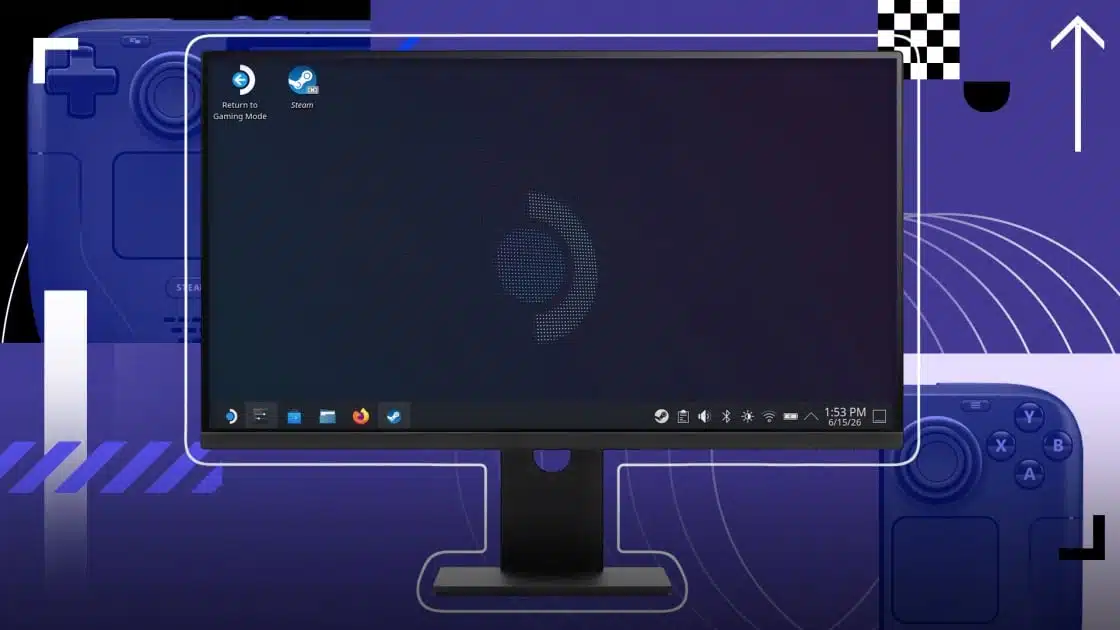
SteamOS is experiencing a significant rise in popularity, especially with its integration into Valve’s Steam Deck and the upcoming Steam Machine. This Linux-based operating system contrasts traditional consoles by offering users a full desktop experience alongside its gaming capabilities. Here’s how you can unlock its full potential:
The SteamOS desktop is compatible with the Steam Deck’s hardware and allows navigation using gaming controllers. Use the right analog stick to control the mouse cursor, while buttons like R2 and L2 simulate left and right clicks respectively.
SteamOS includes a Firefox shortcut for easy web browsing. You can install your preferred browser, like Google Chrome or Brave, through the Discover app, giving you full access to the internet. However, be aware that DRM may restrict streaming services like Netflix to 720p.
Utilizing the Discover app, users can install a variety of applications through the Flatpak format. Popular choices include Discord, Spotify, and VLC, enabling a broader range of functionalities beyond gaming.
With the Dolphin file browser, SteamOS allows users to access their entire file system. You can also connect microSD cards or USB drives for additional storage.
By connecting to a USB-C dock, SteamOS can integrate with external monitors, keyboards, and mice, replacing traditional desktop setups.
The Discover app supports various emulators, allowing you to enjoy retro games on your SteamOS device without restrictions that are typical with traditional consoles.
SteamOS does not limit your gaming options to just Steam. You can install and play games from platforms like Battle.net, Epic Games Store, or GOG, expanding your library significantly.
SteamOS offers access to numerous free, open-source applications for productivity, such as the LibreOffice suite for document editing and spreadsheet creation.
KDE Connect allows for seamless integration between your SteamOS device and your Android or iOS phone, facilitating notifications, SMS, and clipboard sharing between devices.
SteamOS provides access to a full Linux terminal for users who want to delve deeper into system settings or command-line utilities, though caution is advised when making system-level changes.
SteamOS stands out as a versatile platform that combines gaming with everyday computing functionalities. Whether you’re a casual user or a power user, SteamOS enables a range of experiences beyond gaming. The desktop environment presents a highly usable interface that many will find approachable, even if they have no prior Linux experience. For those seeking a full-fledged Linux experience, consider exploring distributions like Ubuntu or Kubuntu, which share similarities with SteamOS.
ChicagoVPS is your gateway to unparalleled hosting solutions. Our state-of-the-art datacenters and powerful network ensures lightning-fast speeds and uninterrupted connectivity for your websites and applications. Whether you’re a startup looking for scalable resources or an enterprise in need of enterprise-grade hosting, our range of plans and customizable solutions guarantee a perfect fit. Trust in ChicagoVPS to deliver excellence, combining unmatched reliability and top-tier support.
For Inquiries or to receive a personalized quote, please reach out to us through our contact form here or email us at sales@chicagovps.net.


