
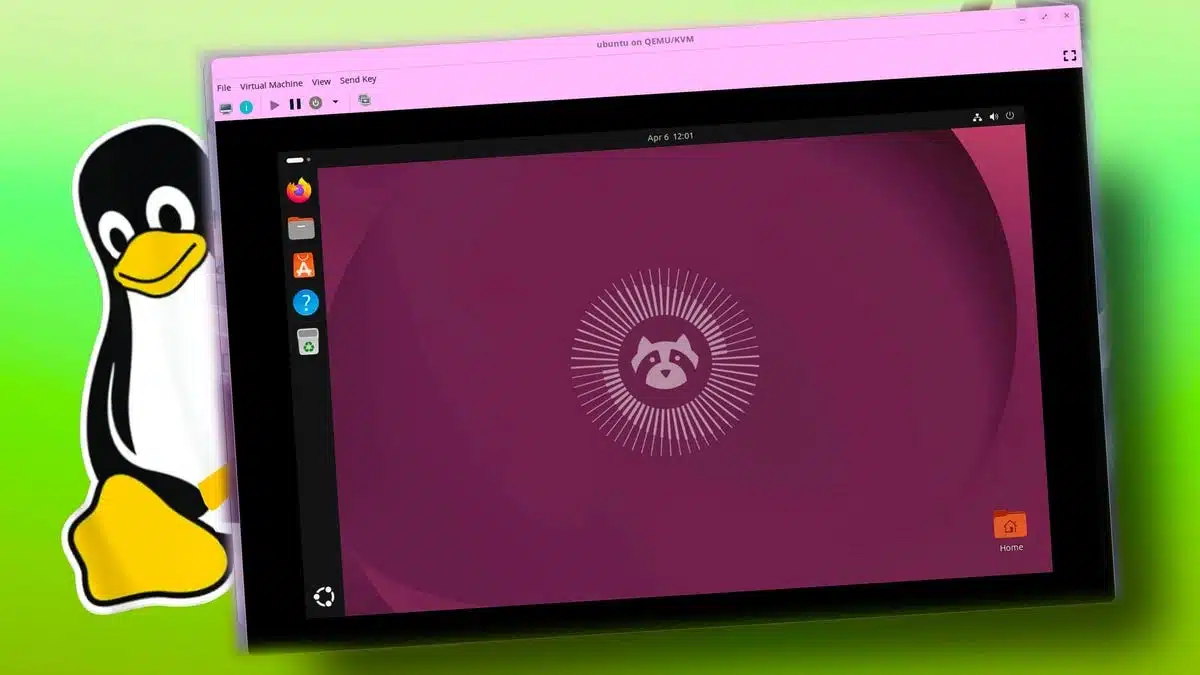
I installed Ubuntu on an old Dell laptop to determine if Linux could adequately replace Windows 11. Despite facing initial obstacles during installation, I ultimately found the experience rewarding and eye-opening.
In 2023, Microsoft announced the end of support for Windows 10, which prompted many users to consider alternatives. Some switched to Windows 11, while others opted for third-party services to extend their existing systems. A growing number, however, decided to leave Windows behind altogether in favor of Linux, which recently surpassed a 5% market share among desktop operating systems. This shift intrigued me and prompted my exploration of Linux.
After years of curiosity mixed with hesitation, I finally chose to install Ubuntu on my aging Dell Latitude 5400. I selected Ubuntu for its reputation as a user-friendly distribution, particularly suitable for beginners like myself who needed support and guidance during installation.
The installation process began with downloading the ISO file from Canonical’s official website and creating a bootable USB drive using Rufus, a tool designed for this purpose. However, upon attempting to boot from the flash drive, I encountered a frustrating blank screen instead of the installation options. My initial attempts to troubleshoot led to disappointment, as various common fixes did not resolve the issue.
Out of frustration, I set the project aside for nearly three weeks, but I finally returned to the problem. Drawing on suggestions from online forums, I tried modifying the boot parameters in the GRUB loader. Specifically, I combined "nomodeset" and "acpi=off" to circumvent compatibility issues between Ubuntu and my laptop’s hardware. This solution worked, allowing the installation process to commence.
Ultimately, once Ubuntu was up and running, my experience was surprisingly smooth. I was greeted by a clean, intuitive interface devoid of the clutter that often accompanies Windows installations, such as unnecessary account setups and advertisements. Navigating through settings became a straightforward task, and I was particularly impressed with how responsive the system felt, especially on my older hardware.
Navigating this new operating system proved to be less daunting than I had anticipated. Everyday tasks—like browsing the internet and adjusting the system settings—became intuitive, allowing me to use my laptop seamlessly. I found Ubuntu significantly lighter than Windows 11, which rejuvenated my aging device, making it feel capable of handling modern tasks again.
Reflecting on my journey, I initially viewed Linux as a niche OS primarily for programmers; however, my experience with Ubuntu has reshaped my perspective. It has emerged as a practical alternative for daily computing needs. While I do not intend to replace Windows on my primary machine just yet, this experience has encouraged me to continue exploring Linux. I’m eager to Get More Info about the system and potentially transition to using it as my primary operating system in the future.
ChicagoVPS is your gateway to unparalleled hosting solutions. Our state-of-the-art datacenters and powerful network ensures lightning-fast speeds and uninterrupted connectivity for your websites and applications. Whether you’re a startup looking for scalable resources or an enterprise in need of enterprise-grade hosting, our range of plans and customizable solutions guarantee a perfect fit. Trust in ChicagoVPS to deliver excellence, combining unmatched reliability and top-tier support.
For Inquiries or to receive a personalized quote, please reach out to us through our contact form here or email us at sales@chicagovps.net.


