
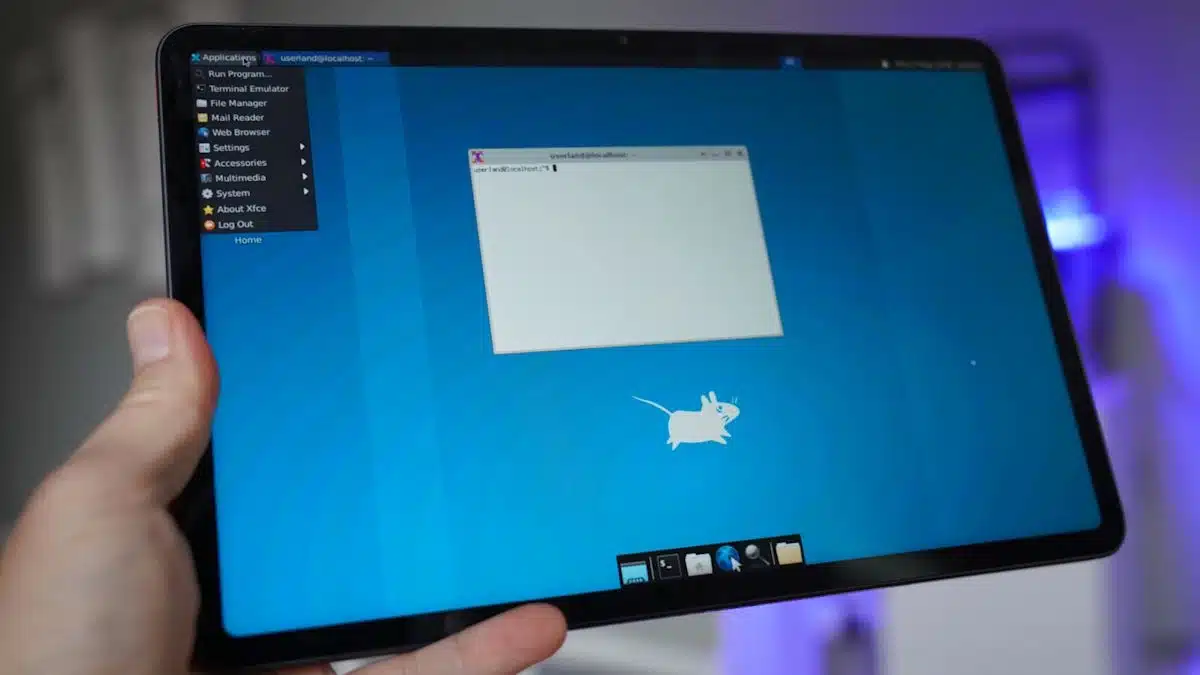
Running a full Linux distribution on an Android device can seem daunting, but with the right tools, it’s quite achievable. The app UserLAnd simplifies this process significantly, enabling users to run Linux distributions seamlessly on their Android devices without needing root access.
UserLAnd is available in both a free version and a paid Pro version. While the free version allows the installation of an X server and some standalone applications, if you’re looking for a complete Linux desktop experience—such as Xfce—the Pro version is recommended. It costs around $4.99, but many users find it worth the investment for the ease it provides.
To get started:
After selecting your desired Linux distribution:
Once this process is complete, you’ll find yourself looking at a virtual desktop complete with terminal access, where you can install software and customize your Linux environment.
While UserLAnd is user-friendly, it isn’t without issues:
Overall, UserLAnd provides a straightforward method for running Linux on Android. Whether you’re looking to experiment with Linux or utilize it for specific applications, this app breathes new life into older devices and enhances their functionality. If you’re interested, give it a try and explore the capabilities of Linux right on your Android tablet or phone.
ChicagoVPS is your gateway to unparalleled hosting solutions. Our state-of-the-art datacenters and powerful network ensures lightning-fast speeds and uninterrupted connectivity for your websites and applications. Whether you’re a startup looking for scalable resources or an enterprise in need of enterprise-grade hosting, our range of plans and customizable solutions guarantee a perfect fit. Trust in ChicagoVPS to deliver excellence, combining unmatched reliability and top-tier support.
For Inquiries or to receive a personalized quote, please reach out to us through our contact form here or email us at sales@chicagovps.net.


