
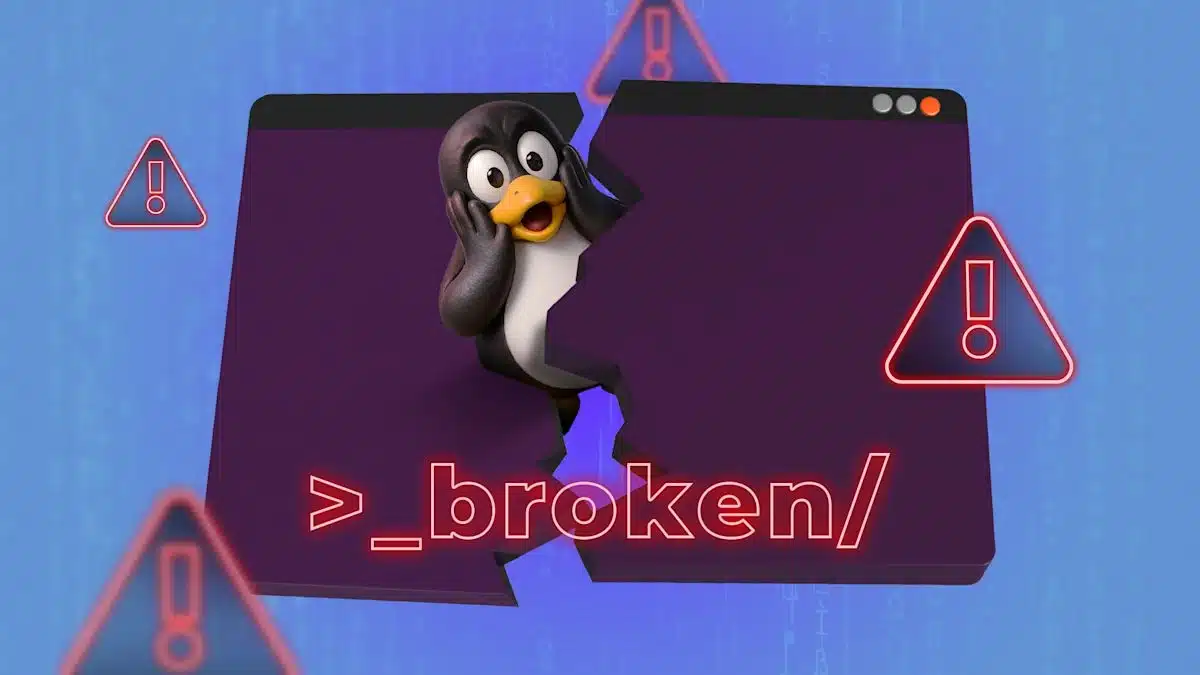
Of all the Linux commands, rm is particularly notorious for its potential to wreak havoc on a system. Executing a misjudged rm command, especially as root, could result in unintended data loss. Despite knowing this, I decided to conduct an experiment to see what would occur if I intentionally ran this command. The experiment was conducted in a controlled environment—a disposable Linux virtual machine created in VirtualBox.
I planned to run rm -rf /, a command that would theoretically delete every file on the system without any prompts for confirmation. This included everything from the root directory downwards. However, I felt safe doing this in a virtual machine where I could simply roll back to a previous snapshot if things went awry.
As I typed the command and hit Enter, anticipation mixed with apprehension washed over me. To my surprise, rather than complete destruction, I was greeted with an error message that indicated GNU’s version of rm had protective measures in place to prevent such catastrophic actions on the root directory.
Determined, I added the necessary command-line options that would override these protections, enabling the command to proceed.
Following the execution, I expected the system to collapse dramatically. Instead, I was met with a black screen dominated by a blinking cursor. Attempts to switch between virtual terminals were in vain, as the system was no longer interactive. Eventually, I opted to power off the virtual machine.
Equipped with a pre-planned recovery strategy, I engaged VirtualBox’s snapshot feature. Prior to embarking on my experiment, I had created a snapshot of the machine’s state. Fortunately, I was able to restore this snapshot seamlessly, and upon restarting the virtual machine, I found myself right back where I started, as though nothing had happened.
This experience underscored how Linux’s flexibility allows users to operate without stringent barriers, reflecting the OS’s roots in programming culture. The primary takeaway from this endeavor is to exercise caution with commands made as root, particularly those that can lead to destructive outcomes. Moreover, the experiment reinforced the value of having a solid backup and recovery strategy in place to safeguard against such potential disasters. It’s akin to having an insurance policy; while it’s something you hope never to need, it proves invaluable when the worst occurs.
In conclusion, while the allure of experimentation is strong within the tech community, precautions are paramount.
ChicagoVPS is your gateway to unparalleled hosting solutions. Our state-of-the-art datacenters and powerful network ensures lightning-fast speeds and uninterrupted connectivity for your websites and applications. Whether you’re a startup looking for scalable resources or an enterprise in need of enterprise-grade hosting, our range of plans and customizable solutions guarantee a perfect fit. Trust in ChicagoVPS to deliver excellence, combining unmatched reliability and top-tier support.
For Inquiries or to receive a personalized quote, please reach out to us through our contact form here or email us at sales@chicagovps.net.


