
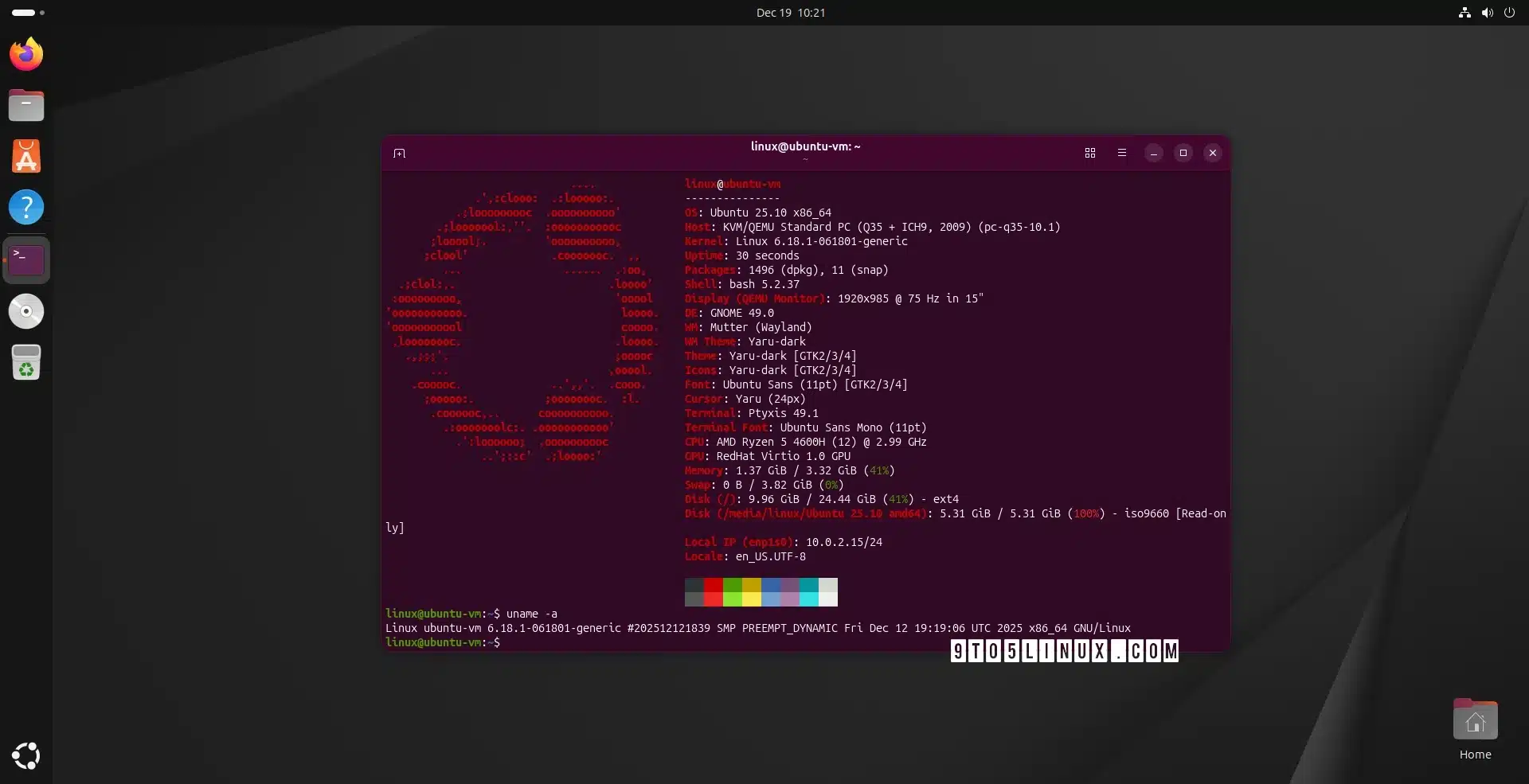
Linux 6.18 LTS has officially been released as the latest stable and long-term supported kernel, available for installation on Ubuntu systems via the Ubuntu Mainline Kernel PPA. This new kernel, introduced on November 30th, 2025, brings significant enhancements, including support for the Rust Binder driver and a new device-mapper target for persistent memory caching.
To install Linux 6.18 on either Ubuntu 25.10 (Questing Quokka) or Ubuntu 25.04 (Plucky Puffin) systems, users can access kernel packages through the official Ubuntu Mainline Kernel PPA. However, it’s important to note that these kernels come without warranty or support from the Ubuntu Kernel Team, which advises users that they won’t be held liable for any issues that emerge as a result of improper installation or use.
For a graphical approach, users can utilize the Mainline Kernels tool. This tool can be installed from a dedicated PPA. To do this, open the Terminal and execute the following commands:
sudo add-apt-repository ppa:cappelikan/ppasudo apt update && sudo apt full-upgradesudo apt install -y mainlineOnce installed, the tool can be launched from the applications menu, where it will display the available kernel versions. Simply select "6.18" and click the "Install" button. After installation, reboot your computer to complete the process. The Mainline Kernels tool also provides notifications for new kernel versions, ensuring users stay updated.
For those who prefer or need a command-line approach, the kernel can be manually downloaded and installed. This method is suitable for experienced users or as a fallback if the Mainline Kernels tool is unavailable. The necessary packages can be found on the official Ubuntu mainline kernel PPA archive.
For instance, to install the kernel on a 64-bit (amd64) system, download the following packages:
Once the packages are downloaded to a directory in your Home folder, install them all simultaneously with the command:
sudo dpkg -i *.debIf you encounter any issues with the new kernel, you can revert to Ubuntu’s default kernel or another installed version. Upon boot, press the Esc key to access the boot menu, navigate to “Advanced options,” and select a different kernel from the list available.
For further details on Linux Kernel 6.18 LTS, refer to the original announcement here.
ChicagoVPS is your gateway to unparalleled hosting solutions. Our state-of-the-art datacenters and powerful network ensures lightning-fast speeds and uninterrupted connectivity for your websites and applications. Whether you’re a startup looking for scalable resources or an enterprise in need of enterprise-grade hosting, our range of plans and customizable solutions guarantee a perfect fit. Trust in ChicagoVPS to deliver excellence, combining unmatched reliability and top-tier support.
For Inquiries or to receive a personalized quote, please reach out to us through our contact form here or email us at sales@chicagovps.net.


