
Switching from Windows to Linux can be a big change, so the best starting point is a distribution that feels familiar and makes everyday tasks easy. These five options offer different ways to ease into Linux, from Windows-like layouts to safer updates and strong customization.
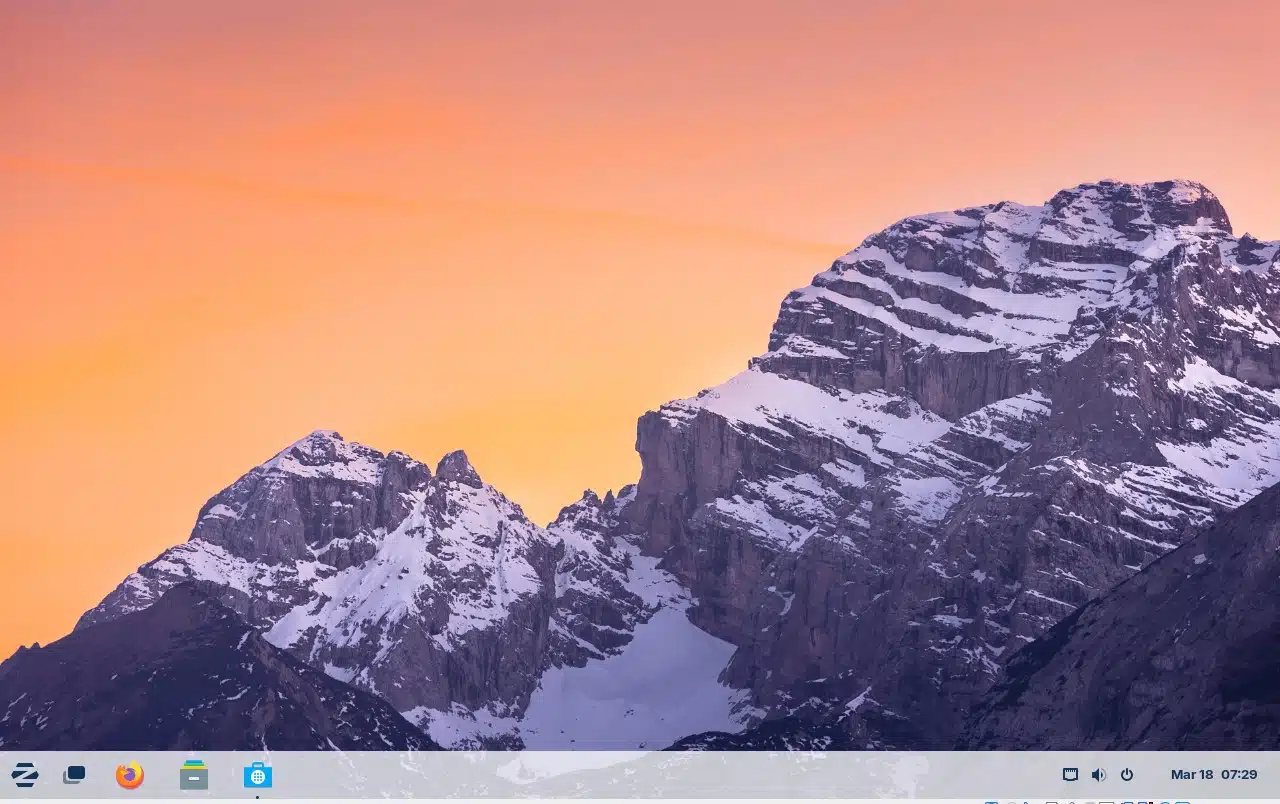
Zorin OS is designed with new Linux users in mind. It offers several desktop layouts, including one that closely resembles Windows.
It also helps when users try to open Windows installer files: double-clicking an .exe or .msi file can prompt Zorin to suggest an open-source alternative from its app store. For someone who wants a straightforward Windows-to-Linux transition, it’s a strong first choice.
MainstreamOS stands out for its onboarding experience, guiding users through their first steps with the system. Its default desktop resembles macOS, and a graphical customization tool makes it easy to change the appearance and layout.
Although it’s built on Arch Linux and uses the Hyprland window manager—components that can be challenging for beginners—MainstreamOS makes them approachable through a polished setup and user-friendly desktop.
stillOS is a relatively new distribution, but it already feels polished. Its default desktop is Windows-like, and its stillControl app offers several alternative layouts, including styles inspired by macOS, elementaryOS, and GNOME.
The system also includes SWAI, a web-app runtime that can make services such as Google Docs, Microsoft Office Online, Photoshop Web, and Apple Music behave more like installed desktop applications.
stillOS uses atomic updates: updates are downloaded and tested in the background, then applied after a reboot. If an update doesn’t pass its checks, it won’t be installed.
Kubuntu combines Ubuntu with the KDE Plasma desktop. Its familiar interface includes a start menu, panel, system tray, and clickable icons, making it a natural fit for people moving from Windows.
KDE Plasma is also highly customizable. Users can change the desktop’s appearance and add widgets for interactive tools and information.
VanillaOS puts a strong emphasis on security and reliable system changes. Its ABRoot system uses an overlay to install applications and merges the changes into the next root partition only if the installation succeeds.
VanillaOS also uses atomic updates and Smart Updates, which delay updates when the system is under heavy load or a laptop’s battery is low. One adjustment may help Windows users feel more at home: VanillaOS defaults to a standard GNOME desktop, so installing the Dash to Dock extension can add a more familiar dock.
ChicagoVPS is your gateway to unparalleled hosting solutions. Our state-of-the-art datacenters and powerful network ensures lightning-fast speeds and uninterrupted connectivity for your websites and applications. Whether you’re a startup looking for scalable resources or an enterprise in need of enterprise-grade hosting, our range of plans and customizable solutions guarantee a perfect fit. Trust in ChicagoVPS to deliver excellence, combining unmatched reliability and top-tier support.
For Inquiries or to receive a personalized quote, please reach out to us through our contact form here or email us at sales@chicagovps.net.


