
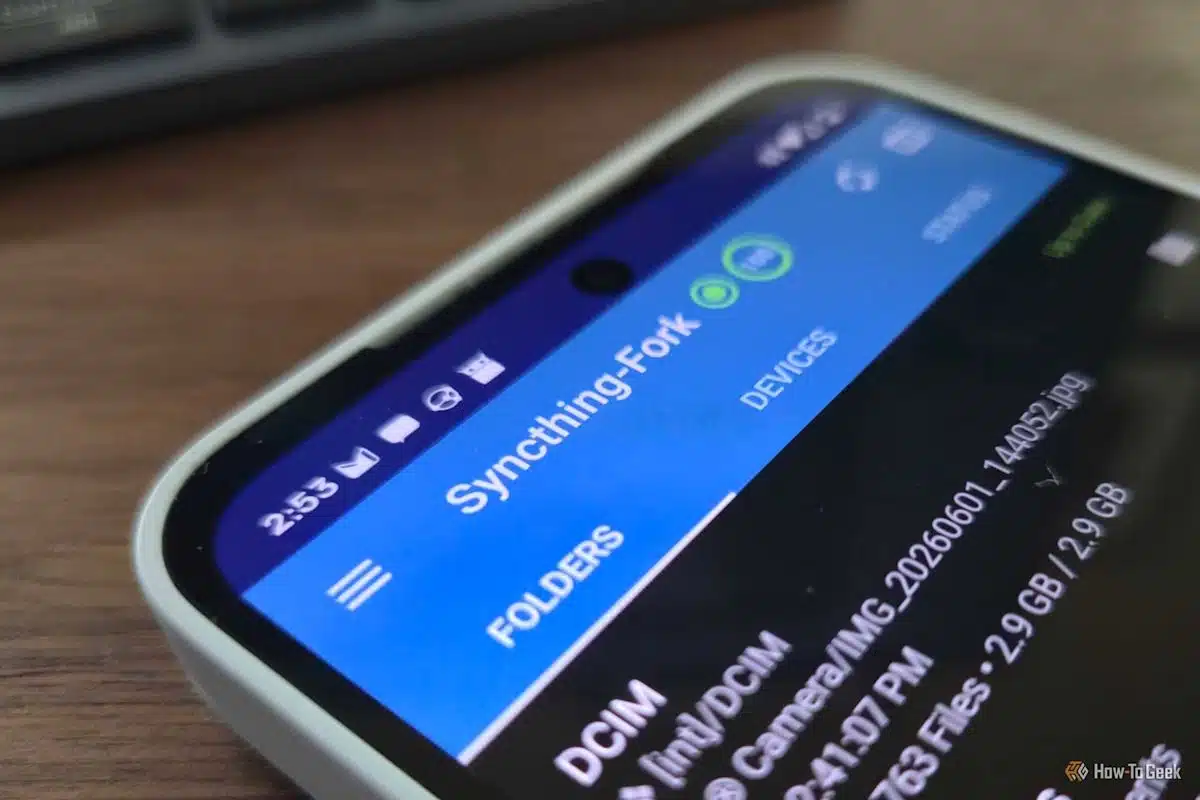
Moving files between a Linux computer and an Android phone can mean plugging in a cable, emailing files, or relying on cloud storage. A simpler option is Syncthing, which automatically keeps a chosen folder synchronized across your devices.
Once the devices are connected, files added to the shared folder appear on the other device without needing to start each transfer manually. Syncthing works peer to peer, encrypts connections, and keeps copies of files on the devices themselves.
Compared with USB transfers, Syncthing avoids repeatedly connecting your phone and dealing with Android’s file-transfer interface. On a home Wi-Fi network, transfers can also be faster than a cable’s sustained speed.
Cloud storage is another option, but it may involve storage limits, extra apps, or syncing problems. A standard network share, such as Samba, typically makes files available only while devices are on the same network. Syncthing stores synchronized copies locally, so files remain accessible when you’re away from home.
On Linux, install Syncthing using your distribution’s package repository, then configure it to run continuously with systemd. Open its web interface at http://127.0.0.1:8384 and set a username and password. You’ll also need to add a folder to synchronize.
For Android, install Syncthing-Fork from Google Play or F-Droid. Follow the setup prompts and grant the app access to files and notifications. Disable battery optimization for the app so Android is less likely to stop it in the background.
To connect the devices, scan the QR code shown in Syncthing’s Linux web interface with the Android app, then select the folder to share.
The basic setup can take only a few minutes. Syncthing also supports Windows, and an always-on device can act as a central point for devices that are offline when files are added.
ChicagoVPS is your gateway to unparalleled hosting solutions. Our state-of-the-art datacenters and powerful network ensures lightning-fast speeds and uninterrupted connectivity for your websites and applications. Whether you’re a startup looking for scalable resources or an enterprise in need of enterprise-grade hosting, our range of plans and customizable solutions guarantee a perfect fit. Trust in ChicagoVPS to deliver excellence, combining unmatched reliability and top-tier support.
For Inquiries or to receive a personalized quote, please reach out to us through our contact form here or email us at sales@chicagovps.net.


